Why Your Zoom Waiting Room Matters: It Sets The Tone
The Most Overlooked Part of Your Zoom Meeting Is the First Experience People Have
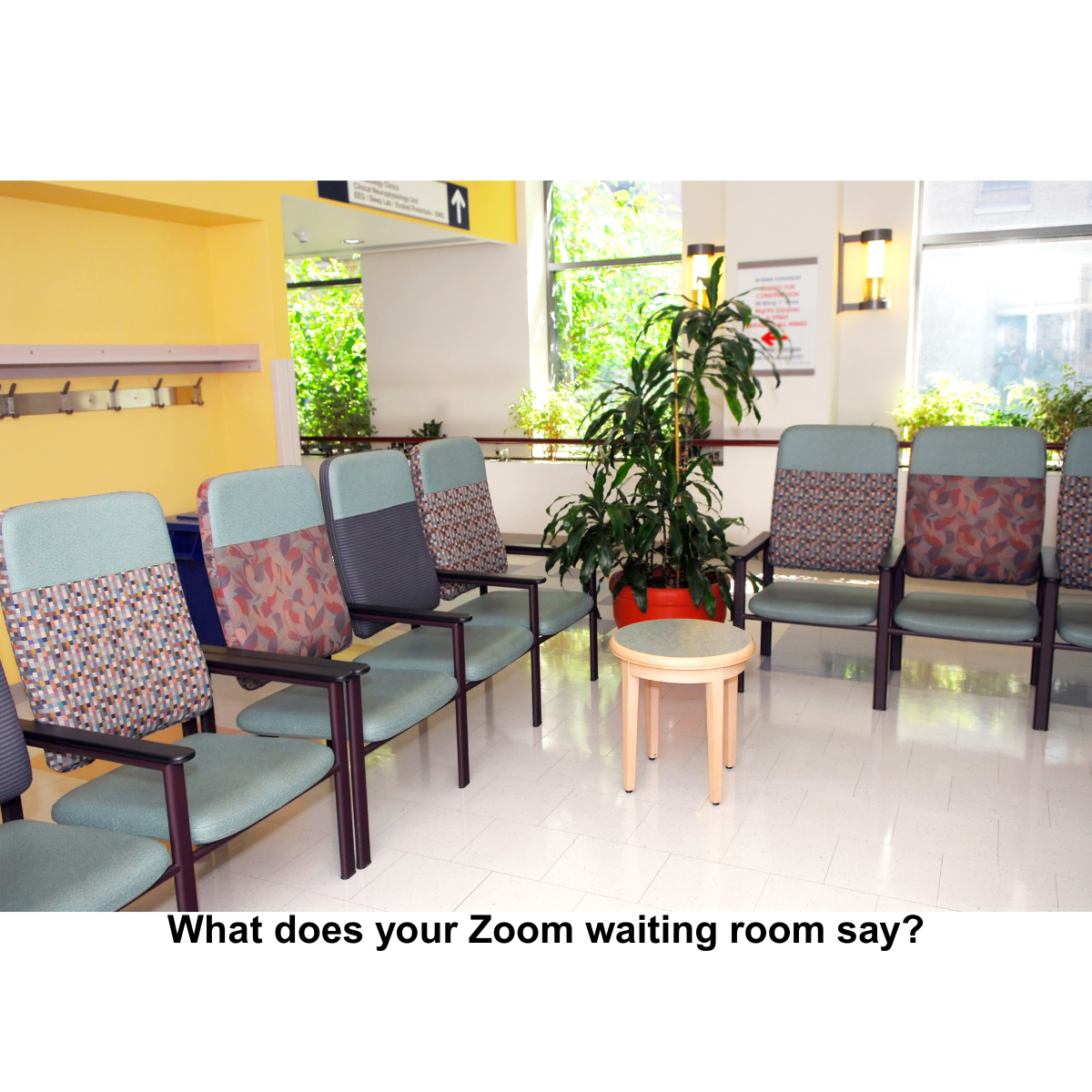
My doctor’s office still has magazines in the waiting room.
My dentist’s office has a TV mounted in the corner.
Different formats. Same purpose.
They’re not just filling space. They’re managing the experience before the experience.
They do three things well:
- They set expectations about what’s coming next
- They reduce uncertainty
- They ease you into the environment
Now compare that to most Zoom waiting rooms.
A blank screen.
A generic message.
Silence.
“Please wait, the meeting host will let you in soon.”
That message is technically correct and experientially incomplete.
What’s Really Happening in the Zoom Waiting Room
The waiting room is not neutral space.
It’s the first moment of interpretation.
Attendees are asking themselves:
- Am I in the right place?
- Did I click the right link?
- Is something broken?
- Is this going to start on time?
If you don’t answer those questions, people will answer them on their own.
And they often default to uncertainty.
That uncertainty shows up later as:
- hesitant participation
- distracted attention
- early disengagement
This is why the waiting room matters more than it appears.
The Mental Model Shift
Think of your Zoom waiting room the same way physical spaces are designed:
It’s a transition environment.
Not the meeting.
Not outside the meeting.
A bridge between the two.
Once you see it that way, the role becomes clear:
Prepare people to enter well.
What a Well-Designed Waiting Room Does
A strong waiting room message does three jobs at once:
1. Confirms they’re in the right place
Remove doubt immediately.
Example:
“Welcome to the Monthly Program Directors Roundtable.”
Specificity reduces friction.
2. Sets timing expectations
Time ambiguity creates tension.
Example:
“We’ll begin at the top of the hour and admit everyone shortly before.”
Now people can relax instead of watching the clock.
3. Prepares behavior inside the meeting
You can eliminate 60–70% of your opening housekeeping.
Example:
“Audio will be muted upon entry. Cameras are optional.”
“Please bring your questions. We’ll open the chat early in the session.”
You’re onboarding participants before they arrive.
A Simple Upgrade You Can Implement Today
Replace the default Zoom message with something intentional.
Here’s a baseline template you can adapt:
Welcome. You’re in the right place.
We’ll begin at [time] and admit everyone shortly before.
When you enter, your microphone will be muted.
Cameras are [optional/encouraged].
We’re looking forward to having you with us.
That alone changes the tone of your entire meeting.
Going One Layer Deeper
If you want to differentiate your meetings, use the waiting room strategically.
Reinforce purpose
Remind people why this gathering matters.
“Today’s session is designed to help you run more effective hybrid meetings.”
Now attention has direction before you even speak.
Reduce tech anxiety
Anticipate common friction points.
“If you experience audio issues, you’ll be able to switch devices once inside.”
You’ve lowered cognitive load without saying a word live.
Prime participation
Set the expectation that this is not passive.
“We’ll invite your input early in the session.”
People show up differently when they expect to contribute.
Advanced Consideration (Often Missed)
There’s a timing layer most hosts don’t think about:
When you admit people matters as much as what you say.
Admitting participants all at once, right at the start time, creates energy and shared presence.
Admitting people slowly over several minutes creates fragmentation.
The waiting room is not just messaging. It’s pacing.
The Strategic Insight
Most people think their meeting starts when they begin talking.
It doesn’t.
It starts the moment someone clicks your link.
Everything from that point forward shapes:
- trust
- attention
- engagement
The waiting room is your first opportunity to lead.
A Quick Self-Audit
Before your next meeting, check:
- Does your waiting room confirm the event clearly?
- Does it remove timing ambiguity?
- Does it prepare participants for how to show up?
If not, you’re leaving an easy improvement on the table.
Magazines and TVs were never really about content.
They were about helping people feel settled before something important.
Your Zoom waiting room can do the same thing, with far more precision.
Feel free to share this newsletter with a friend struggling with virtual events.
My company is Calm, Clear, Media. I produce purpose-driven virtual events for nonprofits and member organizations. I don’t just manage Zoom calls; I create experiences that reflect your mission and engage your audience. My job is to make sure everything runs smoothly so my clients can focus on impact.
#VirtualEvents #CoHost #Engagement #TechSupport #Professionalism #Teamwork