AI Note Takers in Zoom Meetings: 5 Ground Rules Every Host Should Know
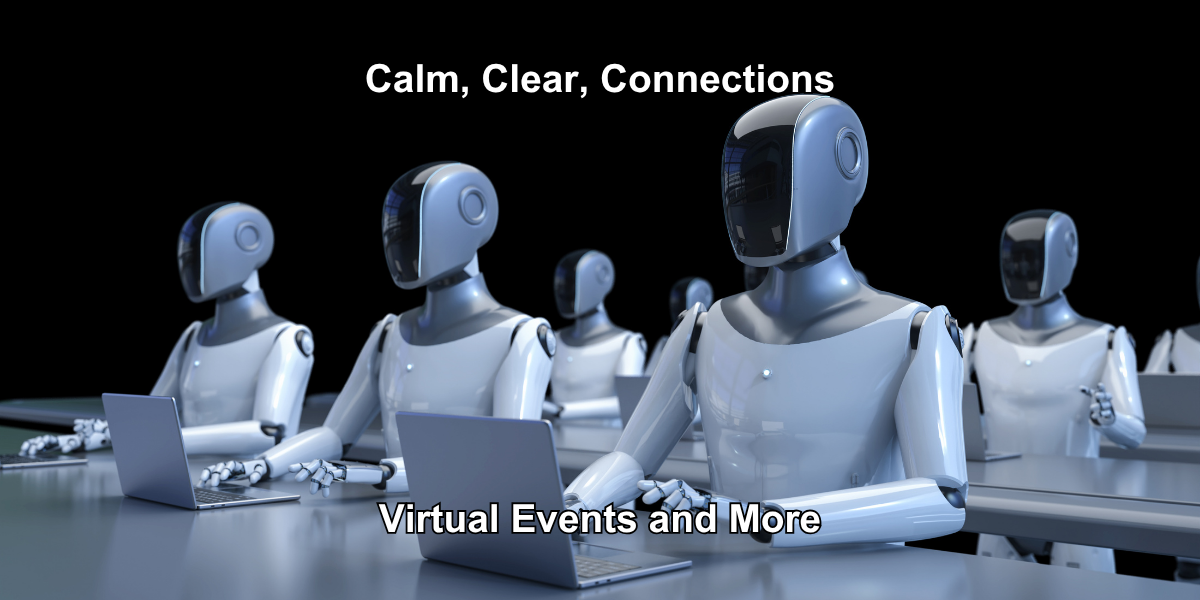
A while ago, I found myself playing a game of virtual whack-a-mole.Instead of plastic critters popping out of an arcade machine, AI note-takers kept appearing in online meetings.Some arrived before the people who supposedly sent them. Others appeared even though their owners never joined the meeting.Remove one. Another appears.It was annoying, but it also raised a bigger question:Who, or what, should be allowed into an online meeting?Since I first wrote about AI note takers, that question has become more complicated. What started as a conversation about meeting etiquette increasingly involves privacy, confidentiality, data retention, and even legal privilege.AI note takers can be extremely useful. They can produce transcripts, summarize discussions, identify decisions, and create tasks within minutes.But we should remember what makes it all possible.Everything said in the meeting becomes data.
The convenience comes with a tradeoff
An AI note taker isn’t simply sitting quietly in the corner taking notes.Depending on the service and its settings, the tool may capture audio, create a transcript, examine the conversation, generate a summary, identify speakers, and store some or all of that information outside the meeting platform.Think about what might be discussed in an ordinary meeting:
- Client information
- Financial results
- Personnel matters
- Strategic plans
- Intellectual property
- Legal issues
- Personal information
Once an AI note taker is involved, organizations need to understand what happens to that information.Where is it stored?How long is it retained?Who has access?Can it be shared with third parties?Can any of the information be used to train or improve AI models?Might voice data be used to create or contribute to biometric profiles?Those aren’t questions for some distant future. They’re questions meeting hosts and organizations should be asking now.
Some conversations deserve additional protection
Attorney Justin Daniels has raised another issue organizations should consider: attorney-client privilege.If a confidential conversation between an attorney and client is captured or processed by a third-party AI service, organizations need to consider whether that poses extra risk to the confidentiality that privilege depends upon.That doesn’t mean every AI note taker automatically destroys attorney-client privilege. The legal analysis is more complicated than that.But it does mean that “we always use the bot” probably isn’t a sufficient policy.For some meetings, the better choice may simply be:No AI note takers.Legal discussions, personnel matters, board deliberations, confidential client conversations, intellectual-property discussions, and other sensitive meetings deserve a deliberate decision, not an automatic one.
My first rule hasn’t changed: the owner attends with the bot
An AI note taker should always be paired with its owner.If you aren’t attending the meeting, your bot shouldn’t attend in your place.AI note takers support participation. They aren’t substitutes for participation.When the owner is present, they can provide context, clarify misunderstandings, answer questions, and take responsibility for how the resulting notes are used.An unattended bot is something different. It becomes a third-party observer sent into a conversation by someone who isn’t actually there.That shouldn’t become normal meeting etiquette simply because the technology makes it possible.
The host gets a say
My second rule is equally important:Using an AI note taker requires the meeting host’s permission.You may routinely use an AI note taker in your own meetings. That doesn’t automatically give it permission to attend someone else’s.The host is responsible for creating the meeting environment and should be able to decide which recording, transcription, and AI tools are allowed.Ideally, establish this expectation before the meeting rather than while several bots sit in the waiting room.Organizations may want to add a simple statement to meeting invitations or registration materials explaining their AI note-taking policy.For example:“AI note takers may be used only with host approval and while the associated participant is present.”For sensitive meetings, the policy can be even simpler:“AI note takers are not permitted in this meeting.”
Some people don’t realize they’ve sent a bot
There is another wrinkle.People don’t always deliberately send their AI note taker into a meeting.Some services can connect to a calendar and are configured to automatically join scheduled meetings. The owner may have forgotten about the setting or may not even realize how broadly it applies.The result can be an AI note taker appearing for a meeting its owner never intended to attend.Intentional or not, the host still decides whether the bot stays.This is one reason organizations should combine meeting etiquette with technical controls.
Zoom hosts can put another barrier in the way
If you host meetings with Zoom, one useful control is CAPTCHA for people joining through the web client.Look under:Settings → In Meeting (Advanced) → CAPTCHAMany automated meeting bots rely on web-based methods to enter meetings. Requiring CAPTCHA adds a human-verification step and can help prevent some automated bots from joining without intervention.It isn’t a universal AI-blocking switch. Different AI services connect to meetings in different ways, and the technology will keep changing.That’s why CAPTCHA should be one layer of your meeting controls, not your entire AI policy.The waiting room, participant monitoring, clear expectations, and host decisions still matter.
Do you need all those note takers anyway?
There’s another question worth asking:What problem are we trying to solve?If the host already records the meeting, provides captions, makes a transcript available, and distributes a summary afterward, does a meeting with ten attendees really need five additional AI note takers?Maybe not.More technology isn’t automatically better technology.Multiple bots can clutter participant lists, generate chat messages, create notifications, and send the same conversation to several different third-party services.A host-provided recording, transcript, or AI-generated summary may give attendees what they need while reducing the number of external tools collecting the conversation.That’s purpose-first meeting design.Start with the outcome you need, then choose the technology that supports it.
A simple AI note-taker policy
Organizations don’t necessarily need a 20-page policy before their next online meeting.Start with five questions:
- Is the owner attending? If not, the bot doesn’t attend either.
- Has the host approved it? Permission should come before the bot joins.
- Do participants know AI is being used? Transparency matters.
- Do we understand what happens to the data? Know the service's storage, retention, sharing, and AI-training policies.
- Is this meeting sensitive? If so, consider leaving AI note takers out entirely.
Those five questions cover a surprising amount of ground.
Presence still matters
I’m enthusiastic about tools that improve online meetings.AI note takers can help people listen instead of typing. They can surface tasks that might otherwise be missed. They can make meeting information easier to access and easier to find later.But convenience shouldn’t make the decisions for us.The question isn’t simply, “Can this bot attend the meeting?”A better question is:“Should it?”AI is changing what our meeting technology can do.Now our meeting practices, policies, and etiquette need to catch up.And sometimes the most thoughtful use of AI is knowing when not to invite it into the room.
Feel free to share this newsletter with a friend struggling with virtual events.
My company is Calm, Clear, Media. I produce purpose-driven virtual events for nonprofits and member organizations. I don’t just manage Zoom calls; I create experiences that reflect your mission and engage your audience. My job is to make sure everything runs smoothly so my clients can focus on impact.
#VirtualEvents #CoHost #Engagement #TechSupport #Professionalism #Teamwork